
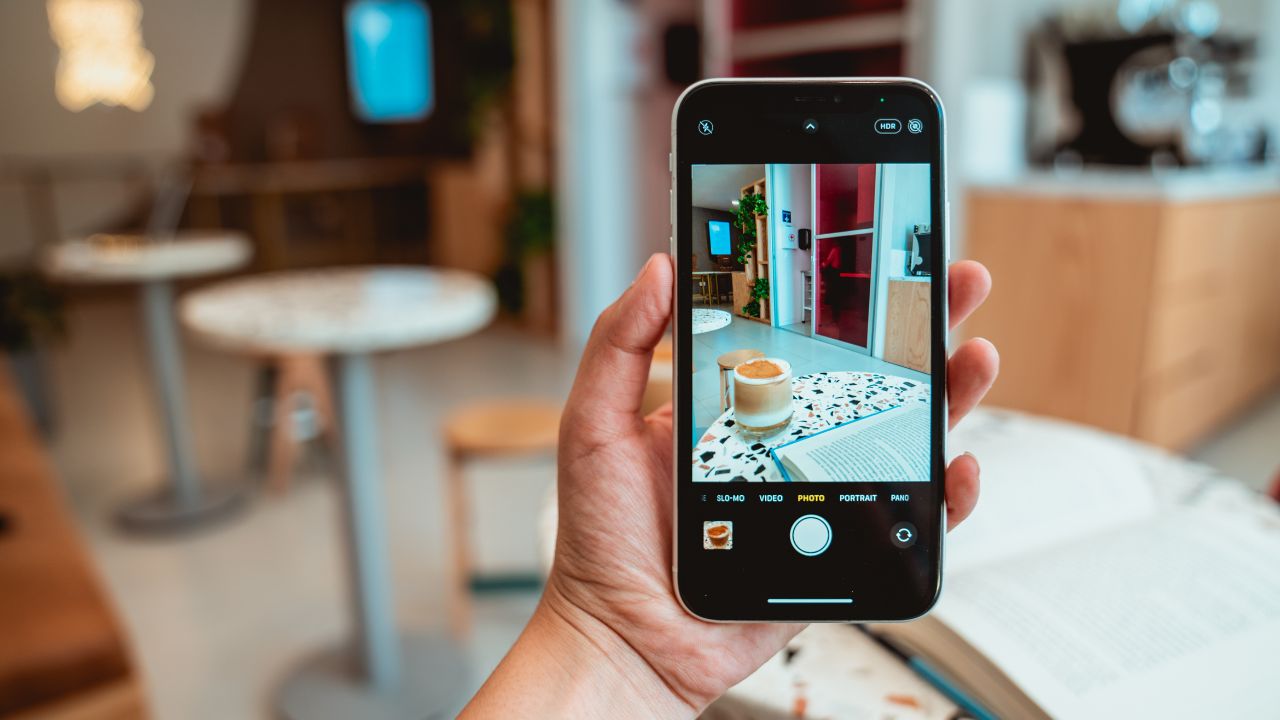
Having a blurry phone camera can ruin an otherwise perfect shot, whether you’re capturing your pet being cute, snapping food pics, or scanning important documents. The root cause might be something as simple as dust or a dirty lens — or it could be more complex like autofocus issues, outdated software, or hardware damage.
In this guide, we’ll go through everything you need to check, from cleaning the camera sensor and removing obstructive phone cases to advanced fixes like replacing a scratched camera lens.
Whether you use an iPhone, Samsung, Google Pixel, or any Android device, this article provides real solutions you can try before handing it over to a phone camera repair expert.
Table of Contents
Why Is My Phone Camera Blurry All of a Sudden?
One day your phone is snapping crystal-clear photos, and the next, everything looks like it’s been shot through a foggy window. Why does this happen suddenly? Most often, sudden blurriness is due to a drop, moisture condensation inside the lens, or a buggy software update.
When the blur happens without warning, here are things to check first:
| Sudden Blur Causes | Likely Fix |
|---|---|
| Recent phone drop | Inspect for internal lens misalignment or cracked lens cover |
| Foggy images after cold to warm environment shift | Let the phone sit at room temperature for 10-15 minutes |
| Just updated software | Restart the phone, clear camera app cache, or roll back if possible |
| Protective glass cracked near camera | Remove or replace screen protector or lens shield |
If the lens looks clean but the image still blurs, try switching to the front camera or another lens (ultrawide or zoom) to check if the issue is isolated. If only one camera is blurry, it’s likely a hardware problem specific to that lens.
Clean the Lens – But Do It Right!
You’d be surprised how often a little oil from your fingers is the main culprit. Especially on iPhones or phones with camera bumps, touching the lens accidentally is easy.
Try this cleaning technique:
- Use a clean microfiber cloth (like one used for eyeglasses).
- If smudges stay, dampen a corner with distilled water or a drop of lens cleaner.
- Wipe in a gentle circular motion.
- For stubborn grime, use a cotton swab lightly dampened with a tiny bit of toothpaste — yes, toothpaste — and gently rub for 10 seconds. Wipe clean with a microfiber cloth.
- Never spray water or solution directly on the lens.
Check the Camera Settings (Especially HDR, Focus Modes, ISO)
It’s easy to forget that modern smartphones have DSLR-level settings hidden in the camera app. Accidentally tweaking these can result in poor photos. If you’re consistently getting blurry results:
- HDR Mode: Turn it off temporarily. It can delay shutter speed and cause motion blur.
- ISO/Shutter Speed: A low shutter speed or high ISO can increase blur.
- Focus Mode: Switch between continuous, auto, or manual focus in Pro mode if available.
If you’ve recently installed a new camera app or update, consider resetting to default camera settings.
Here’s how on most Androids:
Open camera → Settings → Scroll down → Tap Restore default settings
Run a Quick Diagnostic (Especially for Samsung & Pixel Users)
Many Android phones have hidden diagnostic menus that can test camera hardware:
How to Access:
- Samsung: Dial
*#0*#→ Tap “Mega Cam” or “Sensor” to test autofocus, focus lock, and other modules. - Pixel phones: Go to Settings → About → Tap “Build number” 7 times → Enable Developer Options → View hardware diagnostic logs via 3rd party apps like Device Info HW.
If autofocus fails or you notice the OIS (Optical Image Stabilization) isn’t responding, it could indicate internal motor or gyroscope issues.
Dust Trapped Inside the Lens? That’s a Bigger Problem
Visible particles behind the glass or foggy mist that doesn’t wipe off from the outside usually means dust or vapor inside the camera assembly. This is very common after a drop, using your phone near a kitchen or bathroom, or in humid weather.
DIY isn’t recommended. Attempting to open the phone without proper tools may cause more damage.
Instead, visit a professional like iRepair Mobiles Solihull, where technicians can open the lens module, clean the sensor, and reseal it — a task requiring proper calibration.
Use Third-Party Apps to Test Focus or Improve Quality
If your native camera app is consistently blurry, try one of these apps:
| App | Platform | Features |
|---|---|---|
| Open Camera | Android | Manual focus, ISO, exposure |
| ProShot | Android & iOS | DSLR-like controls, RAW mode |
| Halide | iOS | High-end focus peaking, manual ISO & shutter |
Sometimes the pre-installed app gets bloated or bugged over time. A clean third-party app can let you test if it’s software or hardware at fault.
Test with a Tripod in Low Light – It Can Reveal Sensor Issues
To eliminate motion blur caused by shaky hands, set your phone on a stable surface or tripod and take a photo in a dim environment.
If the image is still blurry, even while stationary, it’s likely an OIS failure or sensor tilt, not user error. This is especially important for low-light or night mode photos, where stabilization is crucial.
Restart or Factory Reset – But Only After Backup
If nothing else works, and you’re seeing blur across all apps, not just the default camera:
- Restart the phone
- Clear cache/data of camera app
- Factory Reset (only if other options fail)
Sometimes, system-level corruption affects the camera framework. Just be sure to backup your photos and settings before wiping your device.
FAQs
Q: Why is my front camera blurry but the back one is fine?
A: Front cameras usually have lower-quality sensors, smaller apertures, and no optical image stabilization. Add to that screen protectors or dust on the display, and blur becomes more likely. Try cleaning the top part of your screen and testing with and without your protector.
Q: Why does my phone camera go blurry when zooming?
A: Digital zoom reduces image quality. If your phone lacks a dedicated telephoto lens, zooming in simply enlarges pixels, resulting in blur. Try moving physically closer to your subject.
Q: Can I fix a scratched camera lens at home?
A: Minor scratches may be reduced with polishing kits, but deep scratches require professional lens replacement. Visit a trusted shop like iRepair Mobiles Solihull to replace scratched camera lens properly.
Final Thoughts
There’s nothing worse than capturing a once-in-a-lifetime moment and finding it’s a blurry mess. Hopefully, this guide helped you pinpoint the cause of your phone camera blurry issue — and better yet, fix it. If you’ve gone through the cleaning steps, adjusted settings, tried different apps, and still see no improvement, it’s time to bring your device to a pro.
At iRepair Mobiles Solihull, we handle everything from Android autofocus not working to iPhone blurry camera fix, lens replacements, and sensor cleaning — all under one roof.
Still getting blurry photos? Bring your device to iRepair Mobiles Solihull — the best mobile phone and laptop repair shop in Solihull — and let our experts restore your phone’s camera clarity.